
Introduction
Xcode 16: Exciting AI Features—this release electrifies iOS development! With energized AI coding tools and seamless integration, Xcode 16 empowers you to build outstanding apps faster, smarter, and with heart. Apple’s latest IDE isn’t just smarter—it’s crafted to make every developer feel triumphant and inspired.
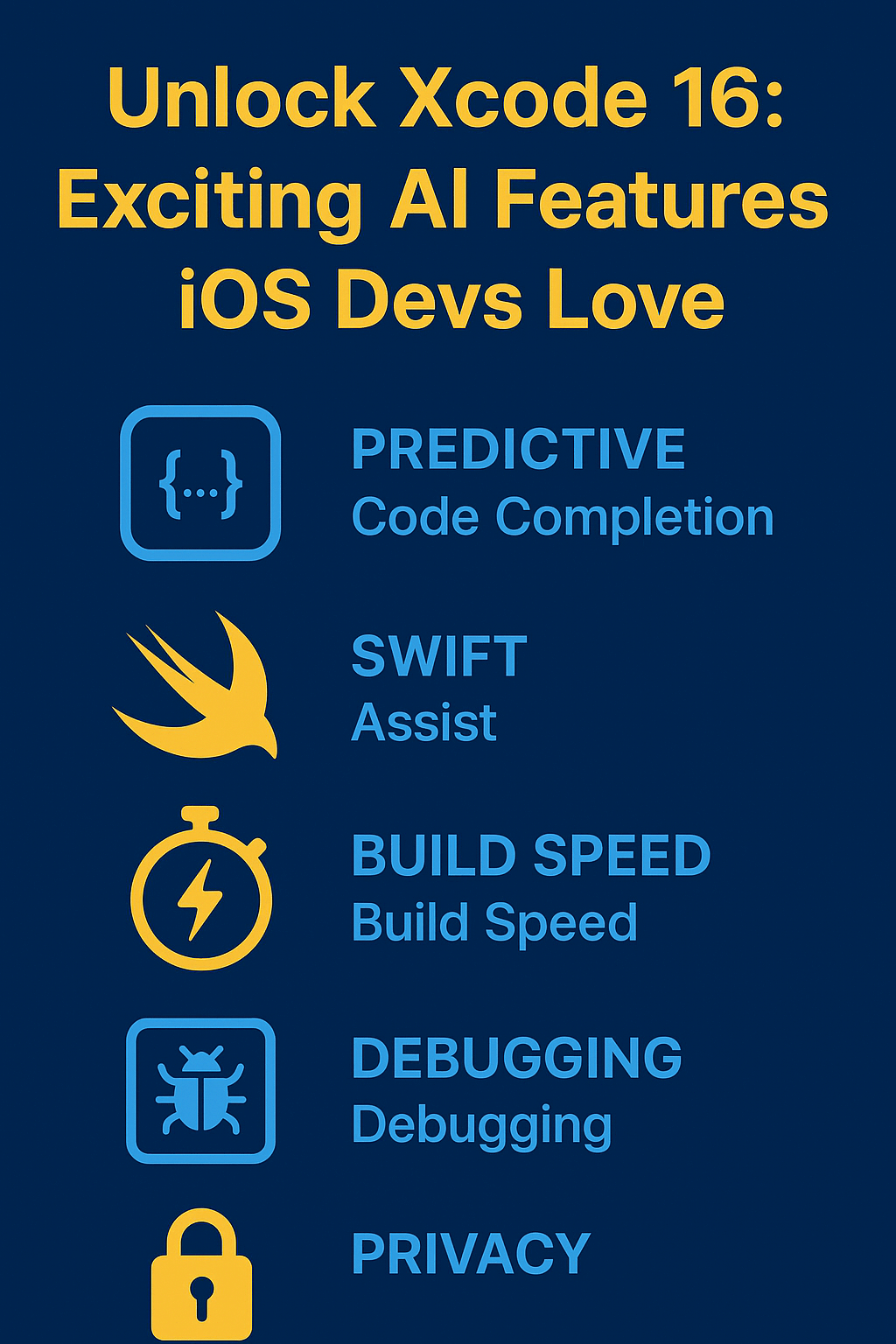
Xcode 16: Exciting AI Features Transform iOS Development
Xcode 16: Unlock Next-Level Predictive Code Completion
Xcode 16 introduces blazing-fast predictive code completion. The AI engine delivers precise, context-aware code suggestions, helping devs skyrocket productivity.
- Recognizes your coding intent instantly.
- Delivers relevant Swift and Apple framework idioms on demand.
- Built on-device for ironclad privacy—your code never leaves your Mac.
Imagine transforming hours of repetitive work into minutes of creative output.
Want to learn Swift from scratch? Check out our Swift tutorials for practical lessons.
Swift Assist: The Heroic Sidekick for Every iOS Dev
Swift Assist debuts as a bold, new AI companion. Ask coding questions in plain English and receive dazzling, production-ready code or documentation.
- Empowering support: Get answers, code explanations, and instant API guidance.
- Cloud-secured and confidential: Your intellectual property remains private, ensured by robust Apple safeguards.
- Best practices by default: AI aligns code with Apple’s gold standard recommendations.
This isn’t just help—it’s a burst of creative fuel for novices and experts alike.
Xcode 16: Supercharged Build Speed and Deep Debugging
Xcode 16’s AI upgrades are backed by real performance gains:
- Blazing build times via new Explicit Modules and AI-powered build optimization.
- Magnificent debugging: Visualize multi-threaded code with fresh flame graphs and thread inspectors.
- Automated, upbeat testing: Inline test results keep you on the fast track, correcting issues with clarity.
Master memory management with our detailed iOS guide for safer, more robust code.
Privacy-Powered AI: Apple’s Commitment to Devs
Apple leads with AI, but never at the cost of privacy.
- All predictive completions run offline, on-device.
- Code is only processed for suggestions, never stored or reused.
“Developers’ code is only used to process requests and never stored on servers. Apple will not use it to train machine learning models.”
This is uplifting news for teams working on confidential or enterprise projects.
How Xcode 16 AI Features Accelerate Real Dev Workflows
- Prototype ideas in moments: Ideate and scaffold new screens, views, and business logic at exhilarating speed.
- Refactor effortlessly: Instantly optimize code with AI suggestions tailored for clarity and maintainability.
- Less stack overflow, more innovation: Spend less time searching and more time building standout features.
Frequently Asked Questions
Xcode 16: Exciting AI Features—Do They Transform Your Coding Style?
Absolutely!
- Just describe your vision—AI delivers running code you can trust.
- Each suggestion feels original, helping both learners and seasoned pros shine.
- No more monotony—coding becomes an adventure.
Best Practices for Thriving with Xcode 16’s AI
- Trust but review: Examine AI suggestions before merging to keep excellence at the core.
- Automate beyond code: Use AI for stunning test cases and documentation.
- Blend with Swift 6 features: Modern concurrency combined with intelligent AI makes apps more engaging and resilient.
Ready to seize your edge?
Download Xcode 16 and experience the electrifying power of AI coding! For more actionable strategies, dive into our premium tutorials—each packed with uncommon tips to push your apps to the top of the App Store.
